Quick Answer: SEO information architecture is how you organize, label, and link a site’s content so both people and crawlers can find everything and understand how it relates. You master it by mapping content to topics rather than internal departments, keeping important pages shallow, matching URLs to the hierarchy, and linking deliberately. Structure decides what gets crawled, what gets indexed, and what competes against itself.
Most site architecture problems do not look like architecture problems. They look like a page that will not rank despite good content, a category that never gets crawled, two pages splitting the same keyword between them, or a redesign that quietly deleted a third of the site’s organic traffic.
The common cause is that the site was organized around how the company is structured rather than around how people search. Departments become top-level navigation. Product lines become directories. Every internal reorganization adds another folder. Two years later nobody can explain why a page lives where it lives, and the crawler cannot either.
Information architecture is the least glamorous part of SEO and the one with the longest tail of consequences. Content can be rewritten in an afternoon. Structure gets baked into URLs, navigation, internal links, and every backlink pointing at those URLs, which is why fixing it later costs ten times what getting it right costs.
We build or rebuild site architecture at the start of most engagements, before content, before links, sometimes before technical cleanup. It is the layer everything else sits on, and it is the one clients are most surprised to learn is the actual problem.
Key Takeaways
- SEO information architecture is the structural layer of a site, covering hierarchy, taxonomy, navigation, URL paths, and internal links, and it determines what search engines can find before content quality is ever assessed.
- Google’s documentation states that organizing content into directories helps its systems learn how often URLs in each directory change, so folder structure directly affects crawl frequency on sites with more than a few thousand URLs.
- Perceived inventory, meaning the volume of low-value URLs a site exposes to crawlers, is the crawl budget factor Google says site owners can control most.
- Topic clusters and silo structures solve the same problem in different ways, with clusters being the safer default because they allow cross-linking that strict silos forbid.
- Card sorting and tree testing are the two research methods that turn architecture from an internal opinion into a tested structure.
- If you want a site architecture designed around search demand rather than your org chart, LYNX SEO builds organic growth systems from the structure up.
What Is SEO Information Architecture?
SEO information architecture is the practice of structuring, labeling, and connecting a website’s content so that both users and search engines can find any page and understand its relationship to every other page.
Four components get confused with each other constantly, so it is worth separating them:
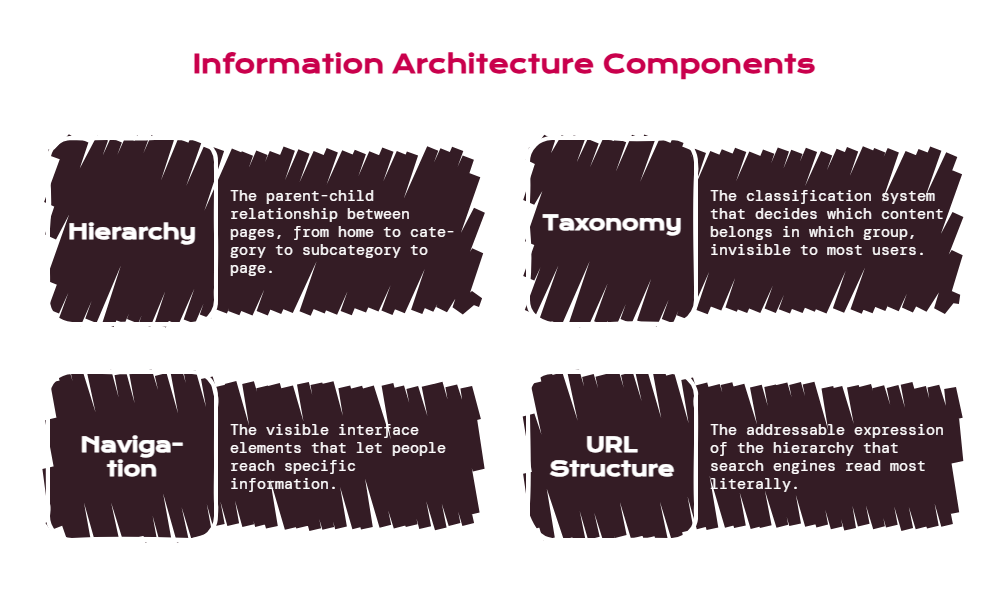
- Hierarchy is the parent-child relationship between pages. Home to category to subcategory to page.
- Taxonomy is the classification system that decides which content belongs in which group. It is a backstage structure, invisible to most users.
- Navigation is the visible interface exposing part of that structure. Nielsen Norman Group draws the line clearly: IA is the information backbone of a site, while navigation refers to the interface elements that let people reach specific information.
- URL Structure is the addressable expression of the hierarchy, and the part search engines read most literally.
The mistake that causes most architecture debt is treating navigation as the architecture, which means the structure only extends as far as the menu and everything else lives wherever it was published.
How Information Architecture Affects SEO
Architecture influences four things, and each has a different failure mode.
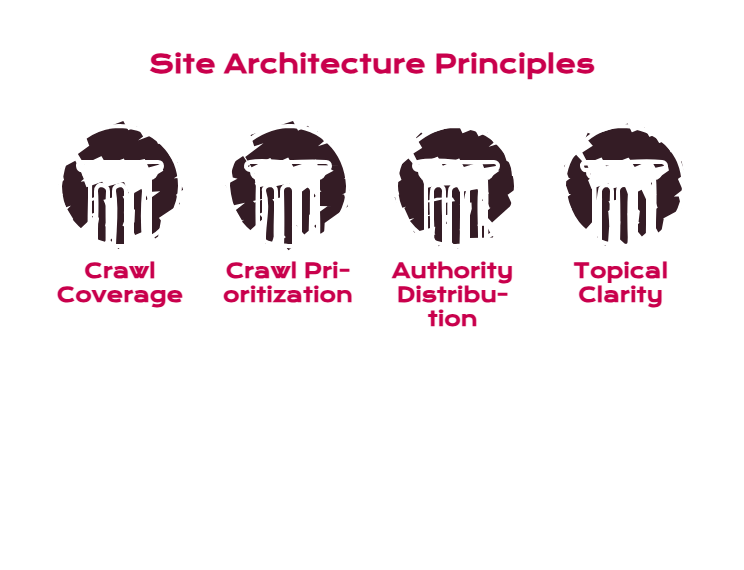
- Crawl Coverage And Efficiency: Crawlers find pages by following links. A page with no internal links pointing to it is effectively invisible regardless of quality. Google defines crawl budget as the set of URLs it can and wants to crawl, and identifies perceived inventory, the mass of duplicate or unimportant URLs a site exposes, as the factor site owners control most.
- Crawl Prioritization: Google’s SEO Starter Guide notes that on sites with more than a few thousand URLs, grouping similar topics into directories helps Google learn how often URLs in each directory change, and crawl those directories at different frequencies. A policies folder that never changes and a promotions folder that changes weekly get treated differently, which only works if the folders are real.
- Authority Distribution: Internal links pass signals. A flat, well-linked structure spreads authority from your strongest pages to the ones that need it. A deep structure strands it.
- Topical Clarity: Grouping related content together tells search engines what a section of your site is about. Scattering it across unrelated folders tells them nothing, and often produces two pages competing for the same query.
Architecture is the only SEO layer where a single decision affects every page at once, which is why it returns more than any other single fix and costs the most to get wrong.
The Building Blocks of SEO Site Architecture
| Layer | What It Does for Users | What It Does for Search | Common Failure |
| Hierarchy | Shows where they are and what else exists | Establishes parent-child relationships and priority | Depth added for internal convenience |
| Taxonomy | Makes content findable by category | Groups related pages into recognizable topics | Categories named after departments |
| Navigation | Provides the visible path | Creates crawlable links to key sections | Menu items with no information scent |
| URL structure | Signals location at a glance | Communicates hierarchy in a machine-readable form | Paths that no longer match the site |
| Internal links | Surfaces related content | Distributes authority and context | Links added ad hoc, never audited |
| Breadcrumbs | Shows the path back up | Reinforces hierarchy with extra internal links | Missing on the deepest pages |
| XML sitemap | Nothing | Lists canonical URLs so crawlers can find them | Includes redirects, 404s, and noindexed pages |
Each layer should say the same thing. When the breadcrumb, the URL, the navigation, and the internal links all agree on where a page sits, search engines get an unambiguous signal. When they disagree, they get noise.
How to Structure a Website for SEO: Content Hierarchy and Depth
The working principle is that click depth should reflect importance, not convenience.
Every level you add between the homepage and a page dilutes the authority reaching it and reduces the odds it gets crawled frequently. The old “three-click rule” was never a real constraint, and treating it as one produces bloated menus with sixty links. The useful version is softer: your commercially important pages should be reachable in two or three clicks from the homepage, and no important page should be more than four.
Practical guidance by site size:
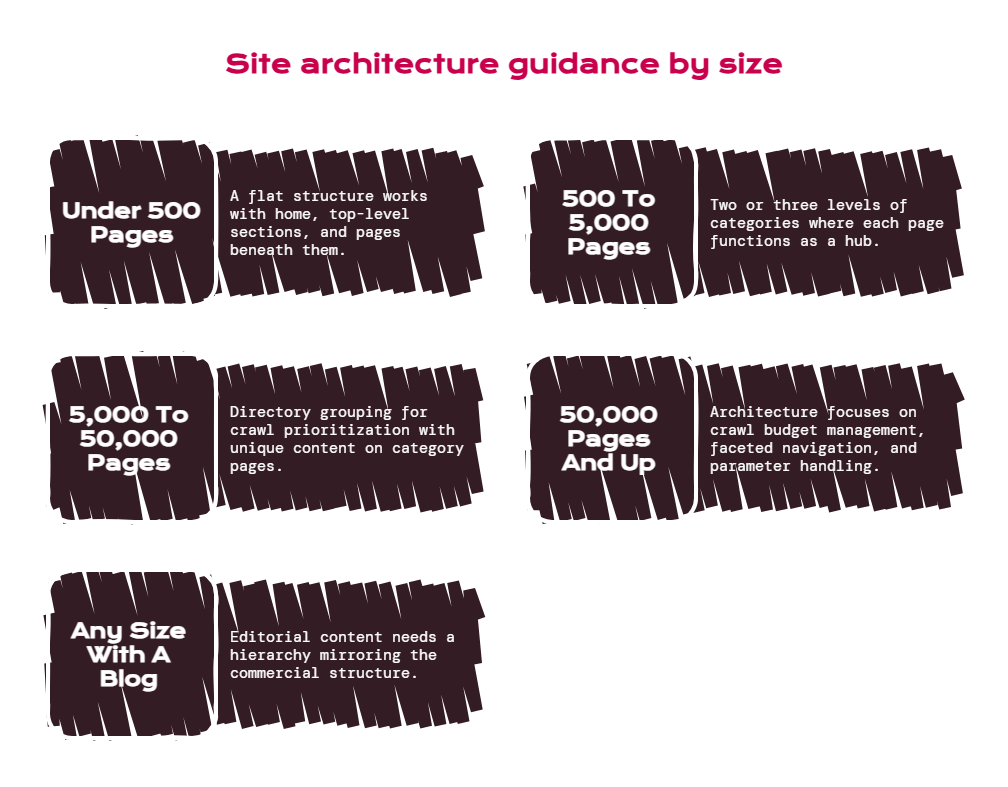
- Under 500 Pages: A flat structure works. Home, a handful of top-level sections, pages beneath them. Do not build categories you do not need yet.
- 500 To 5,000 Pages: Two or three levels of real categories, with each category page functioning as a hub that links down to its children and across to siblings.
- 5,000 To 50,000 Pages: Directory grouping becomes load-bearing for crawl prioritization. Category and subcategory pages need unique content, not just product grids.
- 50,000 Pages And Up: Architecture becomes crawl budget management. Faceted navigation, pagination, and parameter handling matter more than menu design.
- Any Size With A Blog: Editorial content needs its own hierarchy that mirrors the commercial one rather than sitting in an undifferentiated /blog/ pile.
A page buried five levels deep is telling search engines it is unimportant, which is a claim you probably did not intend to make about a page you want to rank.
Website Taxonomy SEO: Group Content by Topic, Not by Department
The single most common architecture error is organizing a site the way the company is organized.
Your customers do not know that Product Line A and Product Line B are managed by different teams. They search for the problem they have. When your taxonomy mirrors your org chart, related solutions end up in unrelated folders and no section of the site accumulates topical authority.
The fix is research rather than debate. Nielsen Norman Group’s information architecture study guide identifies card sorting and tree testing as the two methods specific to IA work: card sorting reveals how users would group your content, and tree testing checks whether they can find things inside a structure you have proposed. Run those against keyword and query data, and you get a taxonomy grounded in evidence rather than internal preference.
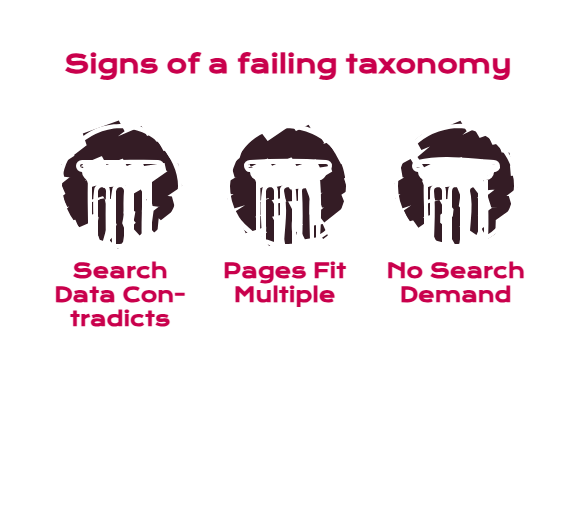
Three signals that a taxonomy is failing:
- Search Data Contradicts It: Your keyword research clusters into groups that do not match your categories. The data is right.
- Pages Fit In Multiple Places: If a page could reasonably live in three categories, the categories are not distinct enough.
- Category Pages Have No Search Demand: A category nobody searches for is an internal label, not a taxonomy node. It can exist in the navigation without needing to be an indexed landing page.
SEO Silo Structure vs Topic Clusters: Which Model to Use
Both models group related content and concentrate relevance. They differ on whether cross-linking is allowed.
| SEO Silo Structure | Topic Clusters | |
| Core idea | Rigid themed sections with links contained inside each silo | A pillar page linked bidirectionally with supporting content |
| Cross-linking | Discouraged or forbidden between silos | Encouraged where genuinely relevant |
| URL requirement | Usually mirrors the silo in the path | Path is flexible; links carry the structure |
| Best for | Large sites with genuinely separate product lines | Most content-led sites and B2B service sites |
| Main risk | Users hit dead ends; useful links get suppressed for theory | Clusters blur if the pillar topic is too broad |
| Maintenance | High; every new page needs a silo decision | Moderate; new content joins the nearest cluster |
Our default is topic clusters, for one reason: strict siloing asks you to withhold a link that would genuinely help a reader in order to protect a theoretical relevance boundary, and that trade has never held up in the accounts we manage. Silos still make sense where a business genuinely operates separate lines with no overlapping audience. For everything else, clusters get the same topical grouping without the artificial constraint.
URL Structure SEO: Make Paths Match the Hierarchy
Google’s URL structure guidance recommends simple, descriptive URLs organized logically and intelligible to humans, and warns that overly complex URLs with multiple parameters create unnecessarily high numbers of URLs pointing to identical or similar content, which can consume more bandwidth than needed or prevent complete indexing.
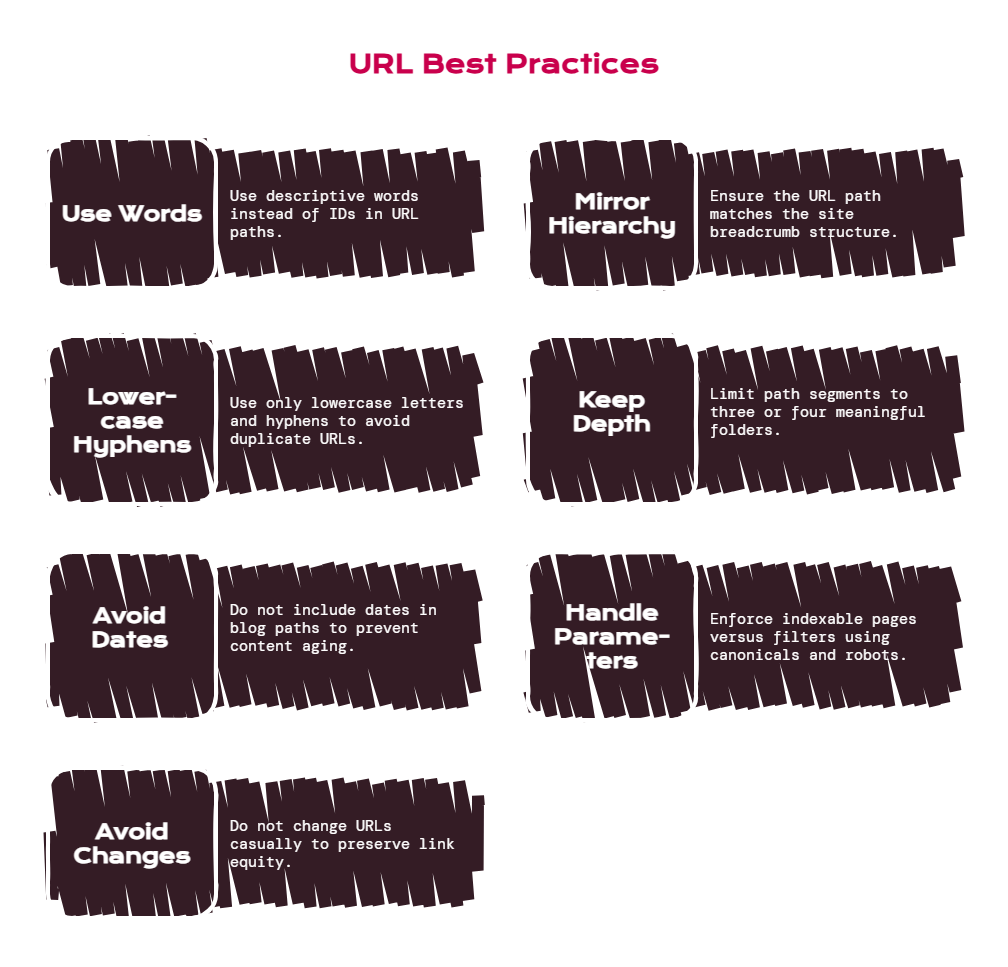
The rules worth enforcing:
- Use Words, Not IDs: /services/technical-seo/ beats /s/?id=4471.
- Mirror The Hierarchy: The path should read as the breadcrumb reads. If they disagree, one of them is lying.
- Lowercase And Hyphens Only: Underscores and mixed case create duplicate-URL risk on case-sensitive servers.
- Keep Depth Honest: Three or four path segments is usually enough. Add a folder because it means something, not because a CMS defaulted to it.
- Avoid Dates In Blog Paths: They age content artificially and break if you update it.
- Handle Parameters Deliberately: Decide which parameters create indexable pages and which are filters, then enforce it with canonicals and robots rules.
- Never Change URLs Casually: Every change costs link equity through redirects. Get it right at launch instead.
For ecommerce specifically, Google’s ecommerce URL guidance notes that the most common URL mistakes appear in pagination structures, and recommends descriptive words in product paths and a separate URL for each product variant.
Internal Linking Structure: Distributing Authority and Context
Navigation gets pages found. Internal links decide which ones matter.
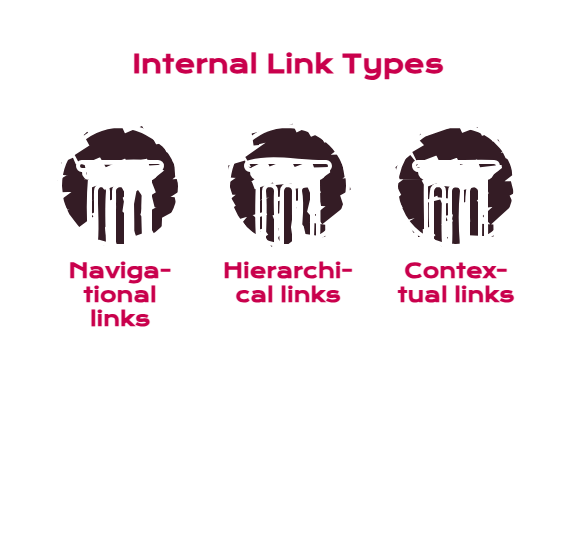
Three link types do different jobs.
- Navigational links in the header and footer establish the primary structure and appear on every page.
- Hierarchical links connect parents to children and children back up, usually through category pages and breadcrumbs.
- Contextual links inside body content carry the most weight, because the surrounding text tells search engines what the destination page is about.
Anchor text is the underused lever. A link reading “learn more” transfers authority and nothing else. A link reading “how we approach technical SEO audits” transfers authority plus a description of the destination. Vary the phrasing naturally rather than repeating an exact-match keyword, which reads as manipulation to both readers and systems.
The internal linking audit that finds the most value is the simplest one: list every page with fewer than three internal links pointing to it, then decide whether each page deserves links or deserves deleting.
Orphaned and near-orphaned pages are where most sites are silently losing crawl coverage. This is a standard part of our technical SEO audits, and it typically surfaces more recoverable traffic than any other single check.
Crawlability and Site Structure: Where Architecture Breaks at Scale
Small sites rarely have crawl problems. Large sites almost always do, and the cause is usually a structure that generates URLs faster than it generates value.
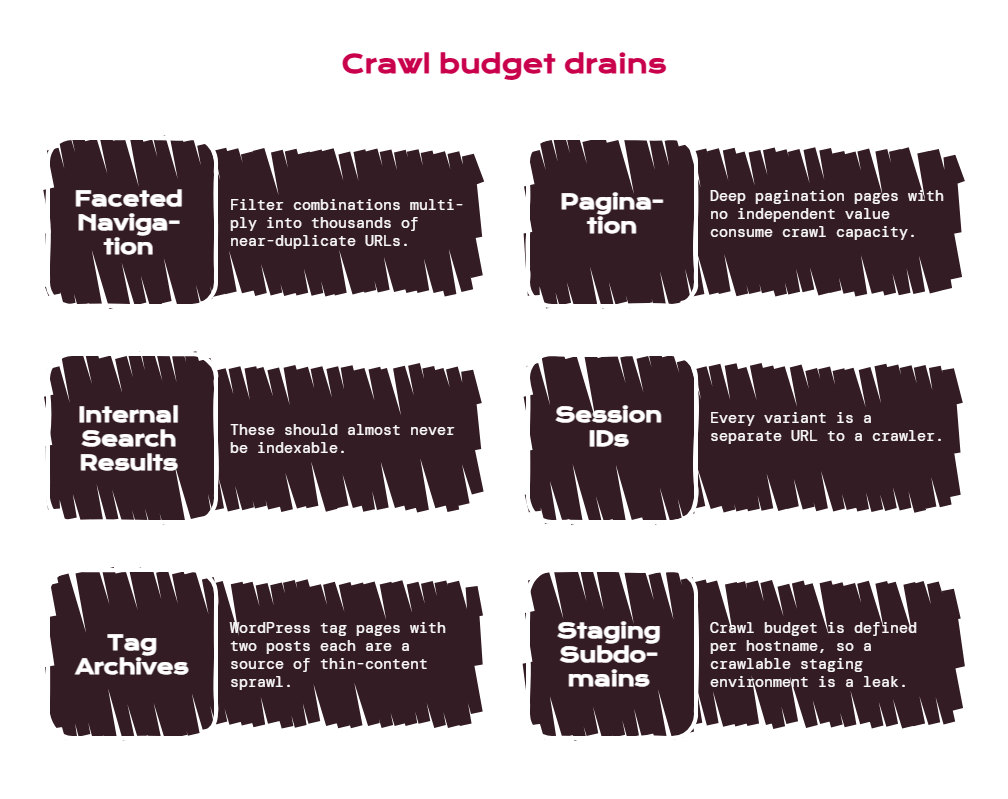
The recurring offenders:
- Faceted Navigation: Filter combinations multiply into thousands of near-duplicate URLs. Search Engine Land’s faceted navigation guide recommends deciding which facets match real search demand and deserve indexation, then keeping low-value states client-side or excluded.
- Pagination: Deep pagination pages with no independent value consume crawl capacity and rank for nothing.
- Internal Search Result Pages: These should almost never be indexable.
- Session IDs And Tracking Parameters: Every variant is a separate URL to a crawler unless you tell it otherwise.
- Tag Archives: WordPress tag pages with two posts each are a classic source of thin-content sprawl.
- Staging And Duplicate Subdomains: Crawl budget is defined per hostname, so a crawlable staging environment is a genuine leak.
Each one is an architecture decision that looked harmless in isolation. Together they teach a crawler that most of your site is not worth its time.
SEO Navigation Structure and User Experience
Navigation is where architecture meets the user, and it fails for a reason that has nothing to do with SEO: labels nobody understands.
Nielsen Norman Group’s work on information scent makes the point bluntly, quoting Jakob Nielsen’s line that life is too short to click on things you don’t understand. Their research finds users largely ignore vague link labels rather than exploring them. “Solutions” tells nobody anything. “Resources” is where content goes to be forgotten. Clever internal names for product categories are a tax you charge every visitor.
Two practical constraints. Menu labels should describe what is on the other end in the words your audience actually uses, which is usually the words showing up in your keyword research. And every important section should be reachable from the main navigation, because a section only linked from one blog post two years ago is a section search engines will treat as marginal.
User experience and SEO stop being separate concerns at the architecture layer, because the label that helps a person decide where to click is the same label that tells a crawler what the destination is about.
How to Audit and Improve Website Architecture
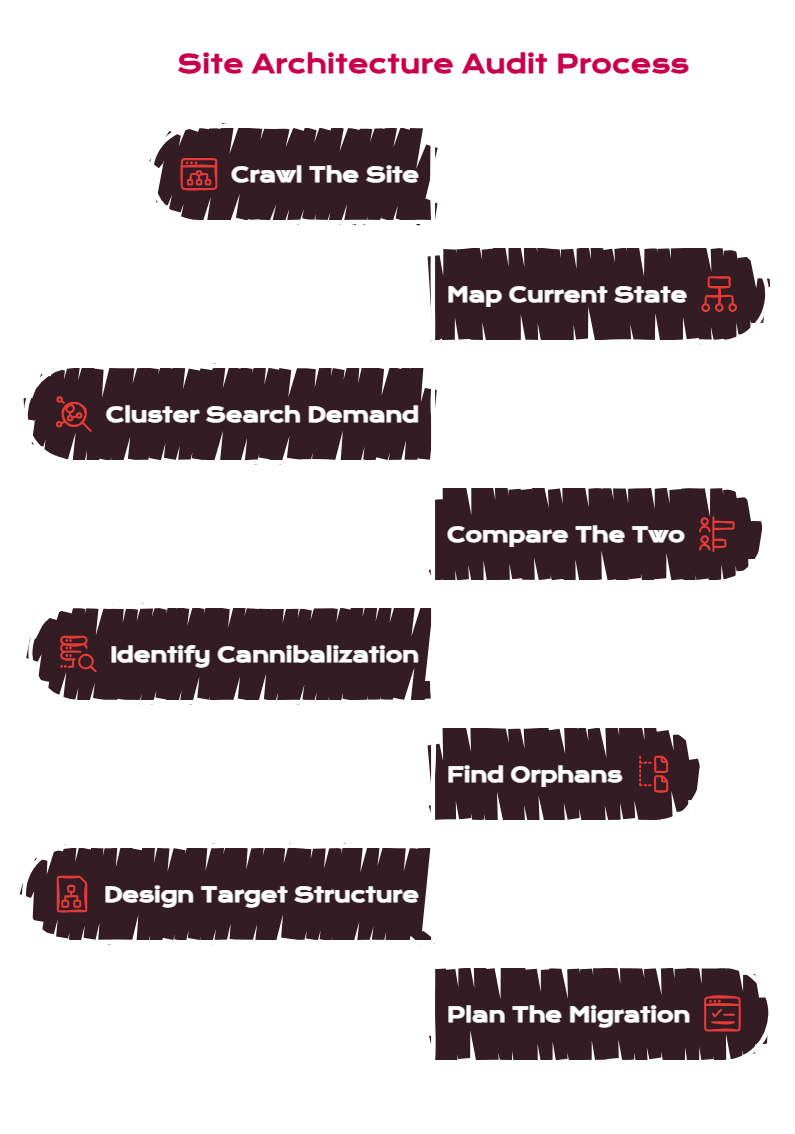
A workable sequence, in the order we run it.
- Crawl The Site: Get a full URL inventory with click depth, internal link counts, and status codes. You cannot fix a structure you have not measured.
- Map Current State: Diagram the actual hierarchy, not the intended one. The gap between the two is usually the finding.
- Cluster Search Demand: Group your keyword and query data into topics independently of the current structure.
- Compare The Two: Where the demand clusters and the site structure disagree, the site structure is wrong.
- Identify Cannibalization: Find queries where multiple pages rank and decide which page owns each topic.
- Find Orphans And Deep Pages: Anything with fewer than three internal links or more than four clicks from home needs a decision.
- Design The Target Structure: Test it with tree testing before building it.
- Plan The Migration: Redirect map, internal link updates, sitemap regeneration, and monitoring. This is where architecture projects usually go wrong.
Most in-house teams get through steps one and two, produce a diagram everyone agrees is bad, and then stall on the migration because the risk feels unmanageable. That stall is usually where an outside team earns its fee.
Semantic Site Structure and AI Search
Worth a short section, because the incentives point the same direction.
Google’s AI features documentation confirms no special markup or optimization is required for AI Overviews and AI Mode, and that existing SEO fundamentals continue to apply, specifically calling out crawlability and making content findable through internal links. Retrieval systems face the same problem crawlers do: they have to find your page and understand what it covers relative to everything else.
A clean topical structure helps because it produces unambiguous entity relationships. When a set of pages consistently sits under one parent, links to each other, and uses consistent terminology, the topic your site owns becomes legible. When the same content is scattered across four unrelated folders with inconsistent naming, it does not.
The AI-side detail sits in how to get cited in ChatGPT and getting more traffic and visibility from LLMs, and the measurement side in how to measure AI search visibility.
Structure First, Then Everything Else
Mastering SEO information architecture is mostly a matter of refusing to let a site organize itself by accident.
Group content by how people search rather than by how your company is arranged. Keep commercially important pages shallow. Make URLs, breadcrumbs, navigation, and internal links all tell the same story. Control the URLs your site generates before they outnumber the ones worth crawling. Test the structure with real users before you build it, and audit it on a cadence rather than after a traffic drop.
None of that is fashionable work. It is also the reason some sites compound and others plateau at the exact point their content program was supposed to start paying off.
If your structure is the thing holding your site back and nobody has the bandwidth to fix it properly, that is what we do.
Talk to LYNX SEO and you get the full team, SEO Director, Strategist, Technical Lead, Designer, and Editor, for less than the cost of a single senior in-house hire. Our technical SEO and content strategy work start with architecture, not keywords.
Frequently Asked Questions
What Is SEO Information Architecture?
SEO information architecture is how a website’s content is structured, labeled, and linked so both users and search engines can find every page and understand how it relates to the rest of the site. It covers hierarchy, taxonomy, navigation, URL structure, internal linking, and breadcrumbs, and it determines what gets crawled before content quality is assessed.
How Does Information Architecture Affect SEO?
It controls crawl coverage, crawl prioritization, authority distribution, and topical clarity. Pages with no internal links are effectively invisible, deep pages receive less authority, and content scattered across unrelated folders fails to build recognizable topical authority. Google also uses directory grouping to learn how often different sections change and crawl them accordingly.
What Is the Best Site Structure for SEO?
A shallow hierarchy organized around search demand, where commercially important pages sit two or three clicks from the homepage and URLs mirror the hierarchy. The right depth depends on scale: a 300-page site needs almost no hierarchy, while a 50,000-page ecommerce site needs directory grouping and deliberate faceted navigation control.
What Is the Difference Between Website Taxonomy and Navigation?
Taxonomy is the backstage classification system that decides which content belongs in which group. Navigation is the visible interface exposing part of that structure. A site can have a sound taxonomy with poor navigation, or clean navigation over an incoherent taxonomy, and the two problems have different fixes.
Should I Use an SEO Silo Structure or Topic Clusters?
Topic clusters for most sites. Both group related content, but strict silos forbid cross-linking between sections, which means withholding a link that would genuinely help a reader. Silos still suit businesses with genuinely separate product lines and non-overlapping audiences.
Does URL Structure Actually Matter for SEO?
Yes, though less as a direct ranking factor than as a structural signal. Google recommends simple, descriptive URLs organized logically, and warns that complex parameter-heavy URLs create large numbers of URLs pointing to similar content, which wastes crawl capacity and can prevent complete indexing.
How Deep Should Pages Be in a Website Hierarchy?
Important pages should be within two to three clicks of the homepage, and rarely more than four. The old three-click rule was never a hard constraint, and forcing it produces overloaded menus. The real principle is that click depth signals importance, so a page buried five levels deep is telling search engines not to prioritize it.
How Do I Fix Crawlability Problems Caused by Site Structure?
Reduce perceived inventory. Decide which faceted navigation states deserve indexation and exclude the rest, block internal search results, consolidate duplicate URL variants with canonicals, remove tracking parameters from crawlable links, and prune thin tag archives. Google identifies perceived inventory as the crawl budget factor site owners can control most.
What Tools Do I Need for an Information Architecture Audit?
A site crawler for URL inventory, click depth, and internal link counts. Search Console for indexing and query data. A keyword tool for demand clustering. For the research side, card sorting and tree testing tools validate a proposed structure with real users before you build it.
Does Site Architecture Affect Visibility in AI Search?
Yes, through the same mechanisms. Google’s documentation states no special optimization is needed for AI Overviews and AI Mode, and specifically names crawlability and internal linking among the fundamentals that still apply. Consistent topical grouping also produces clearer entity relationships, which helps retrieval systems understand what your site covers. Our AI search visibility audit guide covers the diagnostic process.
Related Reading
- How to Audit Your Brand’s AI Search Visibility
- Shopify AI Overview Optimization: Why You’re Not Showing Up
- How to Rank on ChatGPT: AEO/LEO Guide
Sources
- Google Search Central. “SEO Starter Guide: The Basics.” Google Search Documentation. https://developers.google.com/search/docs/fundamentals/seo-starter-guide
- Google Search Central. “URL Structure Best Practices for Google Search.” Google Search Documentation. 2025. https://developers.google.com/search/docs/crawling-indexing/url-structure
- Google. “Crawl Budget Management.” Google Crawling Infrastructure Documentation. 2026. https://developers.google.com/crawling/docs/crawl-budget
- Nielsen Norman Group. “Information Architecture: Study Guide.” 2022. https://www.nngroup.com/articles/ia-study-guide/
- Nielsen Norman Group. “3 Common IA Mistakes (That Are All Due to Low Information Scent).” 2023. https://www.nngroup.com/articles/3-ia-mistakes/